Android apps and games, one tap away.
Version, file size and Android requirements sit on every listing, before you tap download.

Popular downloads
 textPlus: Text Message + Call4.1
 2ndLine – Second Phone Number4.1
 TextNow: Call + Text Unlimited4.6
 Dragon Hunters2: Fantasy World4.8
 Gauge: Luxury Mecha Watch Face
 Pack & Move
 Trash Goblin4.8
 Chimeras 14: Hidden Object4.4
 Paranormal Files 11: Adventure4.3
 Uninstaller4.8
 Alpha Hybrid Launcher 4D theme4.6
 Muay Thai – Kickboxing Trainer4.8
 Women Workout: Lose Belly Fat4.7
 Pilates Workout at Home4.7
New games
All games













Image: Gannu03, CC BY-SA 4.0, via Wikimedia Commons
Know what you are installing before you tap download
Most download pages bury the details. Apkora puts them first, so you can rule an app in or out in a few seconds.
- Details before the downloadVersion, file size and the Android requirement sit at the top of every listing.
- A link to the official pageListings link to the developer page on Google Play where one exists, so you can compare what you are about to install.
- Guides in plain languageInstall, safety and troubleshooting guides written for people who just want it to work.
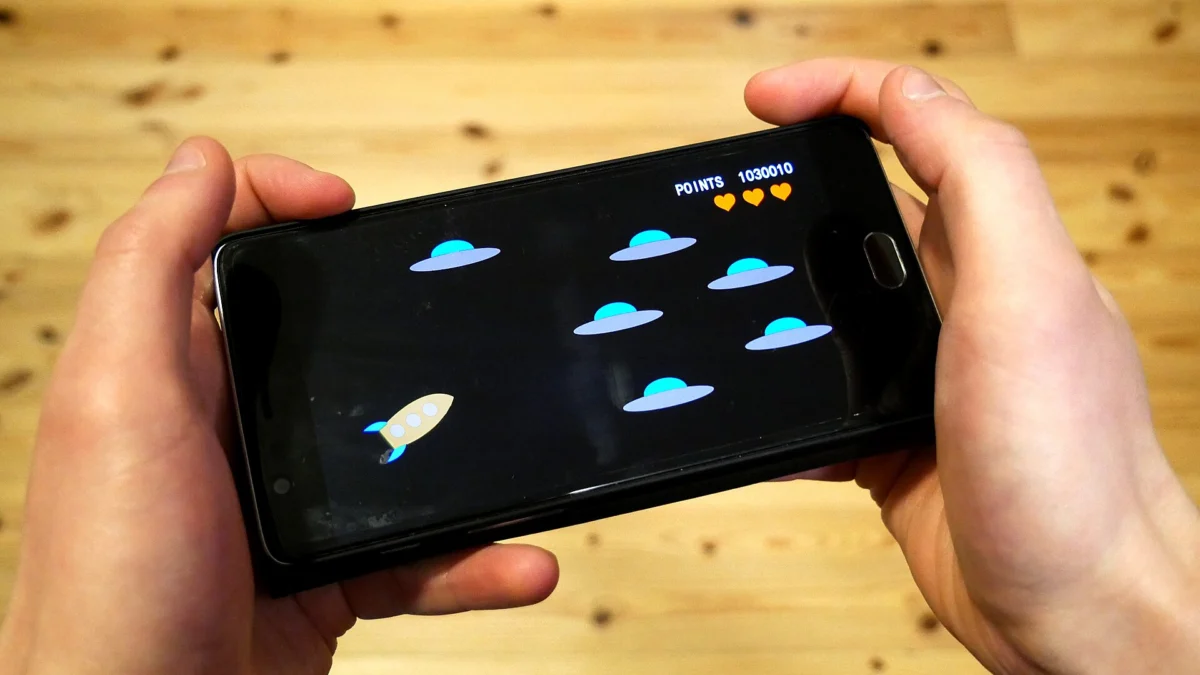
Image: Santeri Viinamu00e4ki, CC BY-SA 4.0, via Wikimedia Commons
Games ask for more space than they admit
A game with a modest download can still need gigabytes once it unpacks and fetches its extra data. Check the requirements, make room, then dive in.
Which Android version does your phone run?
Full guideOpen Settings, then About phone, and read the Android version. Compare it with the Requires Android line on any listing. Developers sometimes quote the API level instead, so here is how the two line up.
| Android version | API level | Released |
|---|---|---|
| 8.0 Oreo | 26 | 2017 |
| 9 Pie | 28 | 2018 |
| 10 | 29 | 2019 |
| 11 | 30 | 2020 |
| 12 | 31 | 2021 |
| 13 | 33 | 2022 |
| 14 | 34 | 2023 |
| 15 | 35 | 2024 |
| 16 | 36 | 2025 |
Image: Richard Nowell, CC BY-SA 4.0, via Wikimedia Commons
Five checks before you install any APK
- Confirm the sourceUse the developer site or a listing that links to Google Play.
- Match the package nameIt should be the same as the one on the official Play page.
- Compare version and sizeA file far from the listed size deserves questions.
- Scan the fileLet Play Protect or VirusTotal take a look, then read the results.
- Read the permissionsThey should fit what the app actually does.


Install an APK without guesswork
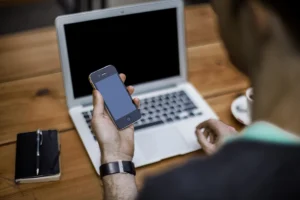
Android blocks unknown installers by default. Four short steps take you from download to a working app, and you can switch the permission off straight afterwards.
Read the full guide- Allow your browser to install appsOpen the install unknown apps setting and allow the browser or file manager you downloaded with.
- Download from the listing pageCompare the file size and Android requirement on the page with your download and your phone.
- Open the file and tap InstallFind the file in your Downloads folder, tap it, then confirm the install.
- Turn the permission off againReturn to the same setting and disallow it, so only installs you choose get through.
Common questions
What does each listing show?
Every listing shows the version, file size and the Android version it requires where we have them, and links to the developer page on Google Play where one exists.
How do I know which Android version I need?
Open Settings, then About phone, and read the Android version. Compare it with the Requires Android line on the listing.
Why does my phone block the install?
Android asks you to allow installs from the browser or file manager you used. Allow it for that one app, install, then switch the permission off again.
Do I need to uninstall the Play Store version first?
Only if the app signatures differ. In that case Android shows an app not installed error. Back up your app data, uninstall the old version, then install again.
Is installing an APK legal?
Yes, installing an APK is a standard Android feature. Pirated or cracked copies of paid apps are not legal, and they are a common way to spread malware.
How can I tell whether an APK is safe?
No single check proves it. Combine a trusted source, a matching package name, a sensible file size, a scan result and a sensible permission list.
Why is the installed size bigger than the download?
The installer unpacks files, and many games download extra data on first launch. Leave free space of at least double the stated size.
What should I do if I see App not installed?
Check free storage, the Android version, the processor type and whether the file is a bundle. Our troubleshooting guide walks through nine causes and the adb error codes.
Ready to find your next app?
Browse the library by type, or start with a guide if you want to be sure before you install.